
Speranda/ Lightroom AI Bridge

Lightroom AI Bridge

Free

Let Claude edit your photos in a real Lightroom Classic

2 platforms
Get Lightroom AI Bridge1 way to install
Lightroom AI Bridge screenshot 1
Overview

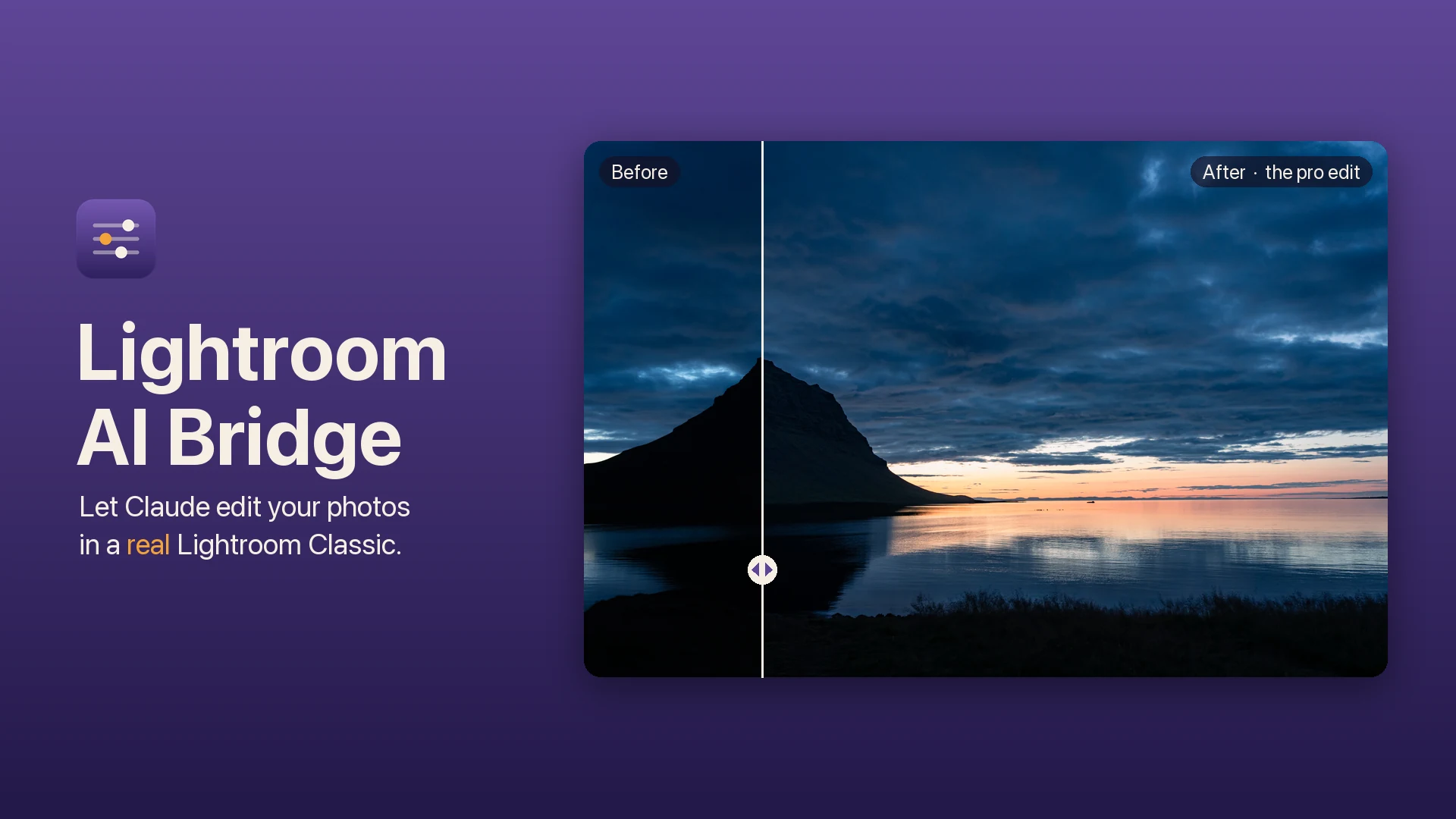
Lightroom AI Bridge is a macOS plug-in that lets AI agents drive Lightroom's Develop module. Claude moves the real sliders, renders the photo, looks at the result, and adjusts again, the way a careful editor works. Every change lands in your History panel as a normal, non-destructive step.

Ask in plain words, such as "open up the shadows" or "the sky is too cyan", or run the pro edit: one command takes the selected photo from flat RAW to finished, with a written brief, AI sky and subject masks, color grading, and a strict quality check at the end. It can also straighten and crop, carry one look across a whole set, and save the result as a real Lightroom preset.

For culling, it reviews a folder on contact sheets and flags the keepers. For thousands of frames it runs a two-stage funnel that judges the finalists at full size and writes every star rating to the right photo.

A built-in knowledge base learns your taste from your own corrections. It starts empty on purpose, so the more you edit, the closer the first attempt gets to yours.

Free and open source. The bridge talks only to Lightroom on your Mac, needs no account, and never touches your RAW files. Use it from Claude Code, any MCP client, or the command line.

Highlights

  • Claude moves the real Develop sliders, then checks the render
  • The pro edit: from flat RAW to finished in one command
  • AI sky and subject masks, crop, white balance and color grading
  • Cull big shoots with a two-stage funnel and verified ratings
  • A knowledge base that learns your taste from your corrections
  • Every change is a non-destructive step in your History panel
  • Works with Claude Code, any MCP client, or the command line
  • Free and open source: no account, no tracking, RAW untouched
Get it

Where to get Lightroom AI Bridge

1 source
View the source onGitHub
macOS, Adobe Lightroom Classic 15.3 or later, and Python 3
v1.0.0
Documentation
Privacy & Terms
Changelog

What changed

Shared across every platform · newest first
v1.0.0.
Sep 26, 2026GitHub
  • Claude edits in your real Lightroom: it moves the actual Develop sliders, renders the photo, and adjusts again, all as non-destructive History steps
  • The pro edit: one command takes the selected photo from flat RAW to finished, with a written brief and a strict quality check
  • Masks and color: AI sky and subject masks, crop and straighten, white balance, HSL and color grading, presets and snapshots
  • Cull a shoot: contact sheets for a folder, a two-stage funnel for thousands of frames, with every star rating written to the right photo
  • A knowledge base that learns your taste from your corrections, starting empty so it becomes yours
  • Works with Claude Code skills, any MCP client (46 tools), or the lrc command line; the bridge only connects to Lightroom on your Mac